Stop Your Smart TV From Spying On You
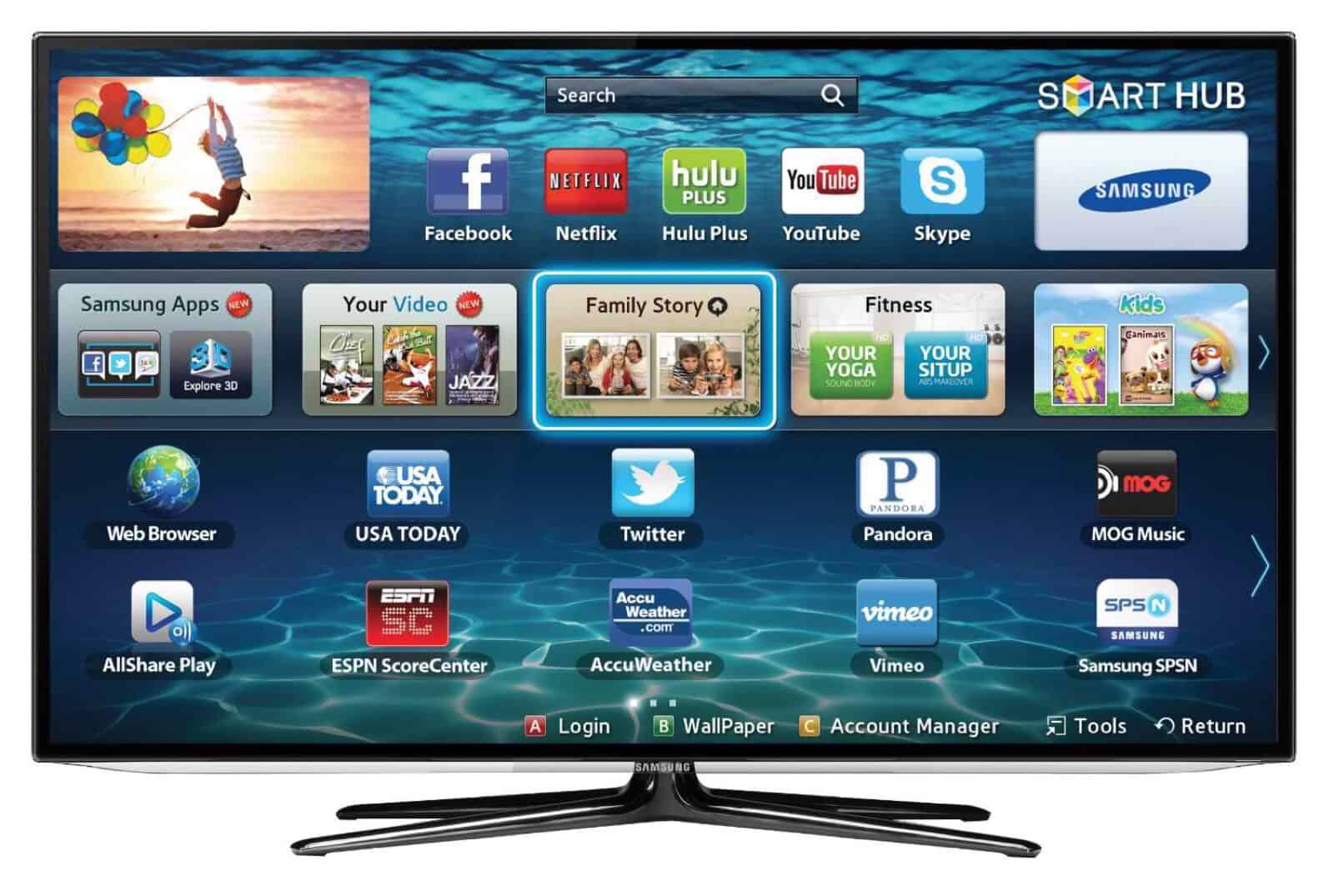
Here are some tips for some specific smart TV to stop spying on you:
Vizio Smart TV
- From your TV’s Menu option, head to System.
- Select Reset & Admin
- Choose Smart Interactivity
- Hit the right arrow to toggle over to Off.
LG Smart TV
- If you have one of those Live Plus models, go to Options
- then Live Plus
- switch it off
Samsung Smart TV
- Head to the Smart Hub menu, then to Terms & Policy
- Choose SyncPlus and Marketing, and disable it.
- While you’re in there, you may also want to deactivate Voice Recognition Services
Sony Smart TV
- company offers a clear-eyed privacy terms and conditions screen when you first use it, and it’s easy to opt out then.
Each smart TV have their own way gathering or spying on your activities. Before buying a smart TV, please look at it features of the smart TV and see how the feature may affect your privacy.
Source: https://www.wired.com/2017/02/smart-tv-spying-vizio-settlement/


Comments
Post a Comment